Portable WiFi
Mobile Hotspot for Android
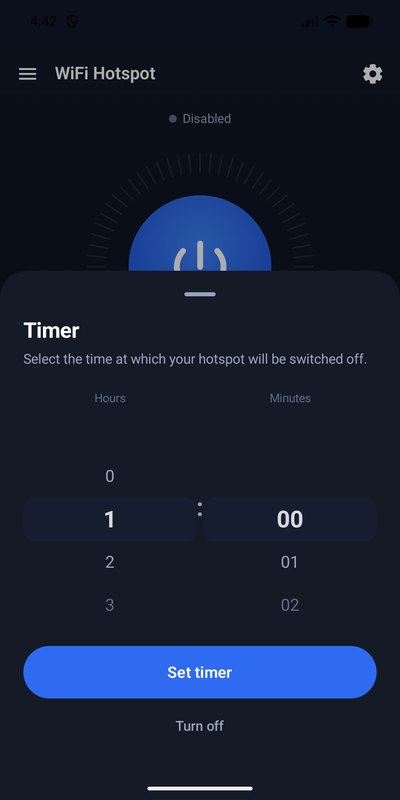
Timer
Data limit
Battery limit
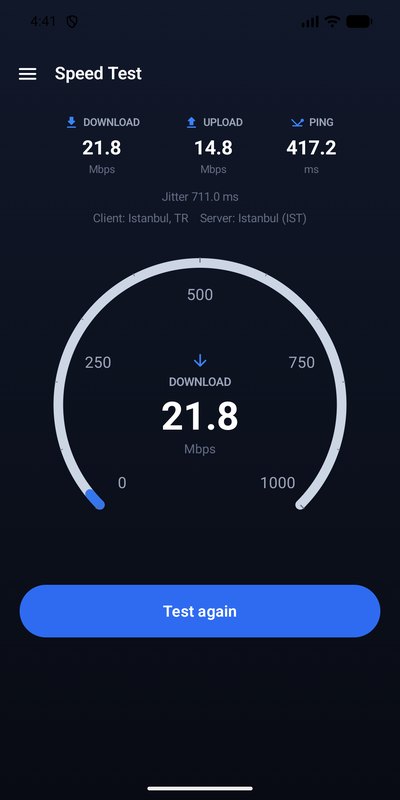
Speed test
No ads · No account
What it does
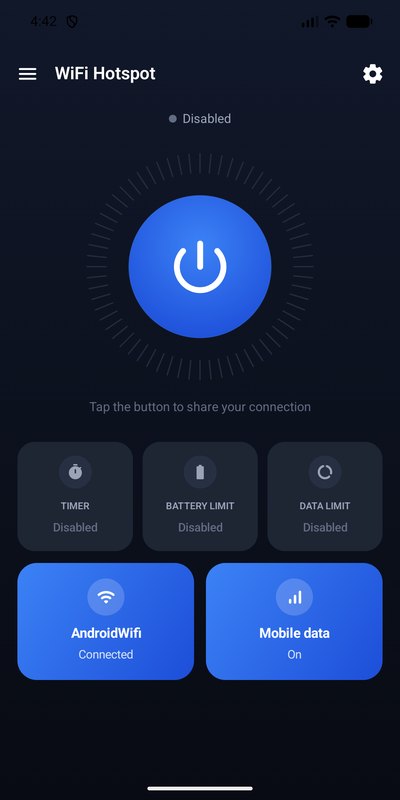
One-tap control
A single power button with live status, session timer and data counter.
Automatic limits
Stop the hotspot after a set time, a data allowance, or when the battery gets low.
Connected devices
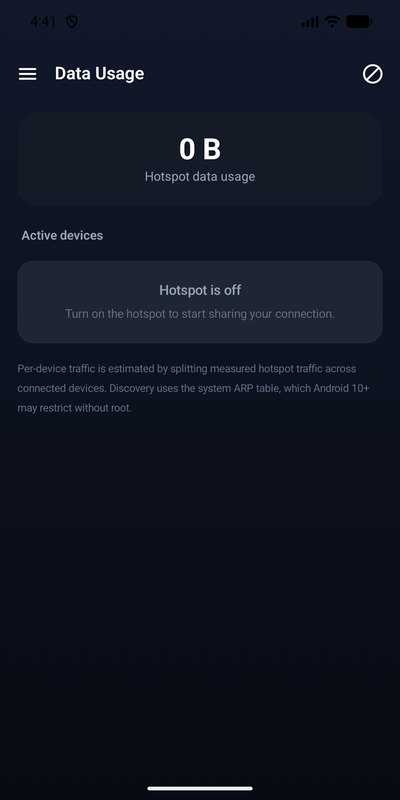
See what is on your hotspot: vendor, connection time and estimated traffic.
Real speed test
Download, upload, ping and jitter measured against Cloudflare's public endpoints.
Home screen widget
Toggle the hotspot without opening the app.
Dark, quiet interface
No sign-up, no tracking, no advertising.
Screens
Honest notes
Android does not let ordinary apps switch tethering on and off silently — since Android 8 that is reserved for system apps. So:
- On most phones the power button opens the system “Hotspot & tethering” screen, where you flip the switch. The app detects the change and tracks the session from there.
- On Android 7 and some manufacturer ROMs the app can toggle the hotspot directly.
- The network name, password and band shown in the app follow your system hotspot settings on modern devices.
- The connected-device list is read from the system ARP table. Android 10+ may restrict it, so the list can come back empty. That is a platform limitation, not a bug.
- Per-device traffic is an estimate — measured hotspot traffic split across the devices online at the time. Total session data and the speed test are measured directly.